Manufacturing ERP With Job Costing Protects Profits
Best Manufacturing ERP Systems with Job Costing Features Protecting your profit margins starts with knowing exactly where your money is going on the shop floor. In complex modern production, guessing your costs is a fast track to losing your competitive edge. A manufacturing ERP with job costing is a centralized system that tracks direct materials,…

Best Manufacturing ERP Systems with Job Costing Features
Protecting your profit margins starts with knowing exactly where your money is going on the shop floor. In complex modern production, guessing your costs is a fast track to losing your competitive edge.
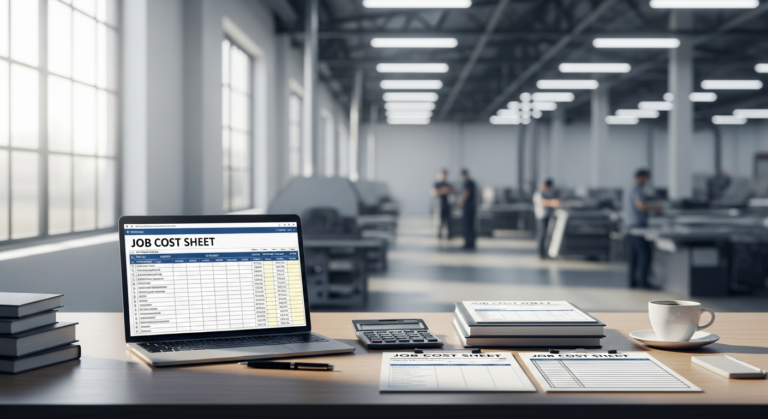
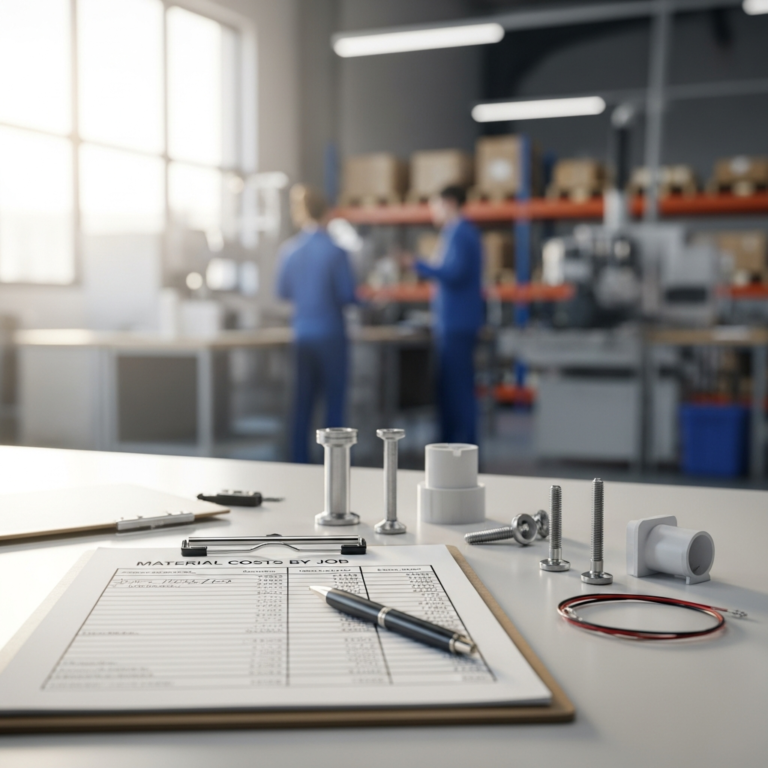
A manufacturing ERP with job costing is a centralized system that tracks direct materials, direct labor, and overhead costs at the individual job or batch level in real time.
If you are relying on scattered spreadsheets or generic accounting tools, you are operating with massive blind spots. These disconnected tools lead to inaccurate production costs, accidental underpricing, and ultimately, lost profits that you cannot recover. You might think you are making a 20% margin on a custom order, only to realize later that overtime labor and material scrap ate your entire profit.
This guide is designed to help you cut through the software noise. We will break down the top systems on the market and show you how to find a solution that delivers a measurable return on investment (ROI). Let us explore the platforms that turn cost-tracking from a guessing game into a precise science.
Top Manufacturing ERP Systems with Job Costing (In-Depth Reviews)
Choosing the right software requires understanding exactly what you get for your money. The goal here is to facilitate a confident purchasing decision by looking past the marketing fluff. Here are the top manufacturing ERP systems that excel in job costing.
1. Epicor Kinetic
Epicor Kinetic is an absolute powerhouse designed specifically for the factory floor. It offers incredibly deep functionality for manufacturers dealing with complex, multi-level assemblies.
Value for Money:
Epicor comes with premium pricing, but it offers one of the highest ROIs for complex manufacturers. This is due to its hyper-specific, out-of-the-box manufacturing tools that require fewer costly customizations. The higher Total Cost of Ownership (TCO) is easily justified by the massive reduction in production waste and improved quoting accuracy.
Pros and Cons:
- Pros: Features extremely granular job costing capabilities. It is built specifically for the manufacturing floor, offering excellent shop floor data collection and routing controls.
- Cons: Comes with a steep learning curve. The user interface can feel overwhelming for non-technical users, and the initial implementation costs are high.
Who This Is For:
Epicor Kinetic is ideal for mid-market Make-to-Order (MTO) and Engineer-to-Order (ETO) manufacturers. If your operation requires deep, complex bill of materials (BOM) management, this system is built for you.
2. NetSuite
NetSuite by Oracle is one of the most widely adopted cloud ERPs on the market. It excels at bringing every single department of your business under one unified digital roof.
Value for Money:
NetSuite requires a high upfront investment to get up and running. However, because it successfully replaces multiple disparate systems (CRM, HR, Accounting, Inventory), it becomes highly cost-effective. For rapidly scaling businesses, consolidating software subscriptions into one platform creates long-term financial efficiency.
Pros and Cons:
- Pros: Offers unmatched scalability for growing businesses. It features world-class financial reporting, deep accounting integration, and highly customizable workflows.
- Cons: The job costing module often requires specialized configuration to match niche manufacturing needs. Additionally, recurring licensing costs can escalate quickly as your user count grows.
Who This Is For:
This system is perfect for high-growth manufacturers looking to scale globally. If you need a unified cloud platform to connect the shop floor directly to the executive suite, NetSuite is a top-tier choice.
3. Katana Cloud Manufacturing
Katana is a modern, cloud-based platform that has revolutionized how smaller manufacturers approach ERP software. It brings visual clarity to inventory and production management without the enterprise-level bloat.
Value for Money:
Katana offers exceptional value for money. Its transparent, tiered pricing makes it one of the most budget-friendly options available today. Best of all, it achieves this low price point without sacrificing core job costing and inventory tracking functionality.
Pros and Cons:
- Pros: Features a highly visual and intuitive user interface. Implementation is incredibly fast and inexpensive, and it boasts seamless integrations with standard accounting tools like QuickBooks and Xero.
- Cons: It lacks the heavy enterprise-grade financial modules found in larger ERPs. It is also not suitable for highly complex, multi-stage ETO manufacturing environments.
Who This Is For:
Katana is the go-to choice for small to medium-sized businesses (SMBs), custom workshops, and direct-to-consumer (D2C) manufacturers. It is the perfect stepping stone for companies that need to graduate from spreadsheets without breaking the bank.
4. Odoo
Odoo takes a radically different approach to ERP software by utilizing a modular, open-source architecture. You essentially build your own ERP by selecting only the specific applications you need.
Value for Money:
The value for money with Odoo is exceptionally high. Because of its modular nature, you only pay for the exact applications you use. This structure keeps subscription costs highly controllable and prevents you from paying for bloatware.
Pros and Cons:
- Pros: Boasts a highly customizable open-source architecture with a massive app ecosystem. It features strong automated inventory and production routing features.
- Cons: You will require heavy reliance on third-party developers or skilled in-house IT to optimize the job costing setup. Out-of-the-box customer support is also notoriously limited compared to premium competitors.
Who This Is For:
Odoo is built for tech-savvy manufacturing companies on a strict software budget. If you want complete control over customizing your ERP stack and have the technical chops to manage it, Odoo is highly rewarding.
Buyer’s Guide: How to Choose the Right Manufacturing ERP
Selecting an ERP is not just an IT decision; it is a strategic business investment. To choose the right system, you need to shift your mindset from evaluating “cost” to analyzing long-term profitability.
Understanding True Total Cost of Ownership (TCO)
Total Cost of Ownership (TCO) is the comprehensive financial estimate of software expenses, including upfront licensing, implementation, training, and ongoing maintenance.
You must look far beyond the monthly subscription price when budgeting for an ERP. Consider the financial impact of implementation consulting fees, data migration from your old systems, and staff training time. Do not forget to factor in ongoing IT support and the cost of future system upgrades.
To properly calculate your software ROI, weigh these total costs against your projected savings. A system with a high TCO can easily pay for itself in year one through reduced material waste and optimized labor hours. If the software saves you 10% in production costs annually, the upfront price tag quickly becomes irrelevant.
Non-Negotiable Job Costing Features
When evaluating ERPs, certain job costing tools are absolute must-haves for protecting your margins. Ensure your chosen system handles the following with ease.
- Real-Time Labor Tracking: Integrating shop floor time clocks directly with the ERP is critical for accurate labor costing. If your team is tracking time on paper and entering it days later, your job costs are already inaccurate. Real-time tracking catches labor overruns the moment they happen.
- Overhead Allocation: Overhead allocation is the process of assigning indirect production costs, such as machine depreciation and facility utilities, to specific jobs. A strong ERP lets you apply these costs accurately so you are not left paying the electricity bill out of your profits.
- Scrap and Yield Tracking: Wasted materials must be accurately reflected in the final cost of a specific job, not just written off as a general expense at month-end. Proper scrap tracking allows you to see exactly which products or machines are causing costly material losses.
Assessing Integration and Scalability
Your ERP should not operate in a vacuum; it needs to talk to the software you already rely on. Seamless integration with existing CAD software is crucial for executing fast, error-free Bill of Materials (BOM) imports.
Furthermore, the system must integrate flawlessly with standard accounting frameworks to keep your financial team happy. As you evaluate options, prioritize a system that will grow with your product lines. You want software capable of handling multiple warehouse expansions and international currencies if global growth is in your future.
Who Really Needs a Manufacturing ERP with Job Costing?
Not every manufacturing company needs granular job costing software. Understanding your specific operational model will help you self-qualify and make the right purchasing decision.
Job Shops vs. Process Manufacturers
Discrete manufacturing is the production of distinct, countable items that require assembly, making it highly dependent on precise job costing.
Job shops, custom fabricators, and discrete manufacturers absolutely require job costing. Because every custom item or assembly has a unique BOM and labor requirement, costs fluctuate wildly from order to order. Without job costing, discrete manufacturers have no way to accurately quote their next project.
Process manufacturers (like food and beverage, or chemical producers), on the other hand, operate differently. Because they blend formulas and recipes in bulk, they generally lean toward batch costing or standard costing. While they still need an ERP, micro-level job costing is often less critical for their continuous production lines.
The Tipping Point: When to Ditch Basic Accounting Software
How do you know it is finally time to upgrade? The most glaring sign is when your team is constantly entering the same data twice—once in spreadsheets and once in accounting.
Another massive red flag is quoting jobs blindly and crossing your fingers that they turn a profit. If you only realize a job was unprofitable after it has already shipped, your current system is failing you. Finally, if you are hitting the severe limitations of QuickBooks’ basic inventory module, it is time to invest in a true manufacturing ERP.
Frequently Asked Questions (FAQ)
What is the difference between standard costing and job costing?
Standard costing assigns a predetermined, estimated cost to a product based on historical averages and expected expenses. Job costing tracks the actual specific costs of materials, labor, and overhead incurred for a unique, individual production run. Standard costing works for mass production, while job costing is essential for custom or varied manufacturing.
How much does a manufacturing ERP with job costing typically cost?
Costs vary wildly based on the size of your business and the deployment method. SMB cloud solutions like Katana can cost a few hundred to a few thousand dollars per month with minimal setup fees. Enterprise systems like Epicor or NetSuite can range from $30,000 to over $100,000 in year one when factoring in implementation and licensing.
Can small custom manufacturers afford a full ERP system?
Yes, absolutely. The rise of cloud computing has democratized ERP software, creating affordable tiers specifically for small businesses. Solutions like Katana or Odoo allow small custom manufacturers to access powerful job costing without massive upfront capital expenditures.
How long does it take to implement a manufacturing ERP?
For a small business using a lightweight cloud system, implementation can take as little as 2 to 4 weeks. For mid-market or enterprise companies with complex workflows and legacy data, implementation typically takes 4 to 8 months. The timeline heavily depends on data cleanliness, team availability, and the level of customization required.
The Verdict: Which System Offers the Best Return on Investment?
The best manufacturing ERP for your business depends entirely on your size, complexity, and growth goals. There is no one-size-fits-all, but there are clear winners in specific categories.
- Best Overall for Complex Operations: Epicor Kinetic remains the safest and most robust investment for heavy, custom manufacturing. Its deep BOM management and out-of-the-box shop floor controls are unmatched for MTO and ETO businesses.
- Best for Scaling Businesses: NetSuite is the ultimate value for companies planning massive, rapid growth. Its ability to replace your entire software stack and scale globally makes the high upfront cost a smart long-term play.
- Best Value for Money for SMBs: Katana Cloud Manufacturing is the undisputed champion for smaller operations. It is a low-risk, high-reward choice that provides beautiful, intuitive job costing without the enterprise price tag.
You cannot afford to keep bleeding margin on un-costed jobs. The longer you wait, the more profit you leave on the table due to unseen inefficiencies. Request a demo or get a custom pricing quote today for the software that best fits your business profile, and take back control of your production costs.